
Most labs don't stay with an underperforming LIMS because they love it. They stay because switching feels risky. The system holds years of patient and sample data, it's wired into daily work, and the fear is simple: what if the move loses data, breaks a workflow, or stops results going out for a day? For a small or independent lab that can't afford downtime, "the system we have works well enough" usually wins by default.
It doesn't have to be that way. A LIMS migration done in stages — with the old system kept running until you're confident — carries far less risk than the all-or-nothing switch people imagine. This guide lays out that low-risk approach.
Why labs get stuck (and why it's usually fixable)
The three fears that keep labs on the wrong system:
- Data loss — "we can't risk losing patient records or historical results."
- Downtime — "we can't have the lab stop while we change systems."
- Workflow disruption — "retraining and re-validating everything will swallow months we don't have."
Every one of these is manageable with the right sequence. The key idea is that you never have to flip a switch and hope. You run the new system alongside the old, prove it works on your real data and workflows, and only retire the old one when there's nothing left to lose.
A low-risk migration, step by step
1. Audit what you actually have
Before moving anything, list what lives in your current system: patient and sample records, test catalogues and reference ranges, QC data, report templates, user roles, and any integrations. You'll almost always find data you no longer need — migration is a good moment to leave it behind rather than carry it across.
2. Decide what moves and what stays
Not all historical data needs to live in the new system. A common, sensible split: bring active and recent records into the new LIMS, and keep a read-only archive (or export) of older data for retention and lookup. This shrinks the migration and removes a lot of risk.
3. Map your fields and workflows
Match the structures in your old system to the new one: how a patient, a sample, an assay, a result and a reference range are represented. Map your day-to-day workflow too — order in, accession, run, QC, authorise, report — so you can confirm the new system supports each step the way your lab actually works. This mapping is where misunderstandings surface early, while they're cheap to fix.
4. Set up and configure the new system
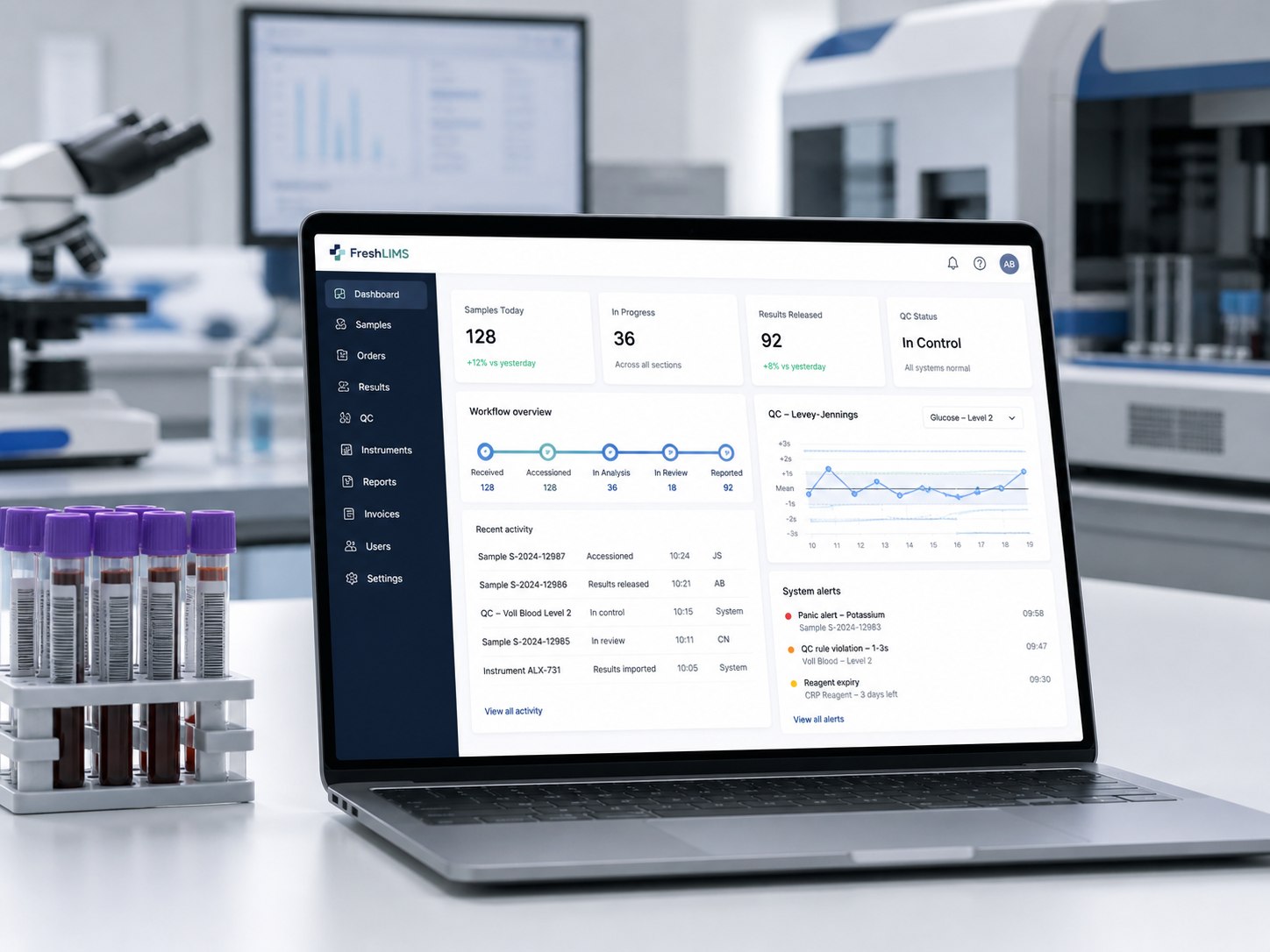
Stand up the new LIMS and configure your catalogues, reference ranges, QC rules, report templates and user roles. Modern cloud systems make this fast — what used to be a months-long implementation can now be a matter of days, because there's no server to procure and install.
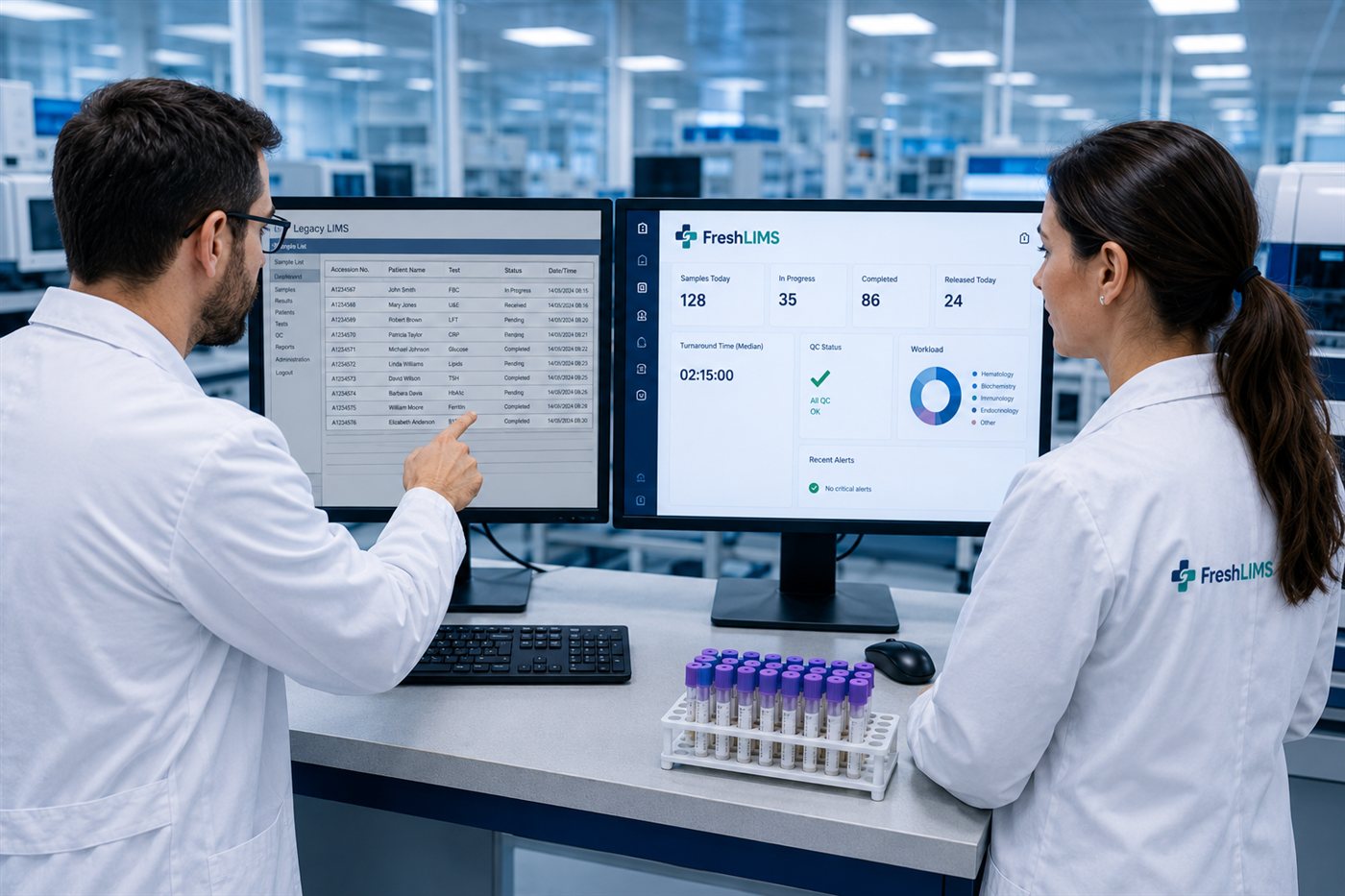
5. Run the two systems in parallel
This is the step that removes the fear. For a defined period, enter work into both the old and the new system, and compare. Do the results match? Do reports come out right? Does QC behave as expected? Does the team find the new workflow natural? Parallel running lets you build confidence on live data without ever putting patient results at risk, because the old system is still your system of record until you say otherwise.
6. Validate and document
For a regulated lab, the migration itself is something an assessor may look at. Keep evidence: that data moved across correctly, that methods and QC perform as required in the new system, and that staff are trained and authorised. (Our ISO 15189:2022 checklist covers the validation and data-integrity evidence assessors expect.)
7. Cut over — calmly
Once parallel running has proven the new system, pick a sensible cut-over point, make the new LIMS your system of record, and keep the old data accessible (read-only or exported) for as long as your retention rules require. Because you've already proven everything, cut-over is an anticlimax — which is exactly what you want.
A short migration checklist
- Inventory of current data, catalogues, templates and integrations
- Decision on what migrates vs. what's archived
- Field and workflow mapping signed off
- New system configured (catalogues, reference ranges, QC, reports, roles)
- Parallel-run period agreed, with comparison checks
- Validation and training evidence captured
- Retention plan for legacy data
- Cut-over date and rollback understanding
What to look for in a LIMS that's easy to switch to
Some systems are far easier to move to — and away from — than others. Worth checking before you commit:
- Fast to deploy — cloud/web-based, so there's no hardware project bolted onto the migration.
- A real trial — can you run it in parallel, on your own data, before committing?
- Data ownership and export — can you get your data out in full, whenever you want? A vendor confident enough to make export easy is a vendor you can leave — which, paradoxically, makes them safer to join.
- Audit-grade by default — audit trail, access control and QC that support your accreditation from day one, so the move doesn't create a compliance gap.
How FreshLIMS approaches the switch
FreshLIMS was built for exactly this concern. It's cloud-based and quick to stand up — setup in days, not months — and the first month is free with no card required, so you can run it in parallel with your current system and prove it on your own work before committing to anything. There's guided onboarding to help you configure catalogues, reference ranges, QC and reports.
Just as importantly, the lab always owns its data: FreshLIMS includes full data export, so there's no lock-in — you could leave as easily as you joined. And because the audit trail, role-based access, Westgard QC engine and validation pack are there from day one, switching doesn't open a compliance gap while you settle in. (An independent diagnostic laboratory in London passed a UKAS ISO 15189 assessment and a CQC inspection running FreshLIMS.)
The honest summary: you don't have to bet the lab to try a better system. Run it alongside what you have, keep control of your data, and switch only when you're sure.
Frequently asked questions
How long does a LIMS migration take?
It depends on data volume and complexity, but a staged migration with parallel running typically spans a few weeks rather than months. Cloud systems remove the hardware lead-time that used to dominate the timeline.
Will I lose my historical data when I switch LIMS?
You shouldn't. Best practice is to migrate active records and keep older data as a read-only archive or full export. Always confirm you can export your data in full from both your old and new systems before you commit.
Can I trial a new LIMS without disrupting the lab?
Yes — that's the point of parallel running. You enter work into both systems for a period and compare, so the old system remains your source of truth until the new one has proven itself.
Does switching LIMS affect my ISO 15189 accreditation?
It can if it's done without evidence, so treat the migration as a controlled, documented change: validate the data move, confirm methods and QC perform in the new system, and record staff training. See our ISO 15189:2022 checklist for the data-integrity and validation evidence to keep.
General guidance only — adapt it to your lab's regulatory obligations and your accreditation body's requirements.